IRON TV MAX APK is a multimedia player built for users who want to manage and stream their own IPTV content. It supports M3U and M3U8 playlists and works with both ExoPlayer and VLC Player. The app also includes EPG, subtitles, catch-up viewing, and parental control options.
Advanced formats such as H265 and AC3 can provide better playback when the source supports them. However, it does not include channels or media, so users need to add their own playlists.
What is IRON TV MAX APK?
IRON TV MAX APK is an IPTV player for compatible Android phones, tablets, and TV devices. It allows users to load M3U or M3U8 playlists and access the streams included in those sources. The app does not provide built-in channels. Instead, it reads playlists supplied by the user and organizes the available channels in a simple interface. Therefore, users can manage different IPTV streams from one convenient place.
It supports useful playback options through ExoPlayer and VLC Player. Users can select their preferred player based on their needs and the stream format. The app also supports formats such as H265 and AC3 when the source provides them.
Another useful feature is EPG support. When an IPTV source includes compatible schedule data, the app can display program information and upcoming shows. Some supported services may also offer catch-up playback for previously aired programs.
The app focuses on quick channel navigation, making it easier to move between different streams. Furthermore, subtitle and audio options may appear when the loaded stream provides them. Parental controls can also help restrict selected channels.
IRON TV MAX APK Mod works best for users who already have compatible IPTV playlists. Since the app depends on external sources, channel availability, playback quality, and supported features can vary.
Key Features of IRON TV MAX APK Latest Version
1. Smooth Live TV Streaming
IRON TV MAX APK New Version lets users stream compatible live TV channels from one convenient interface. It supports smooth playback when the playlist and internet connection provide stable streams.
2. Clean User Interface
The app uses a simple layout with clearly arranged menus and controls. Therefore, beginners can browse channels without dealing with complicated settings.
3. Organized Channel Categories
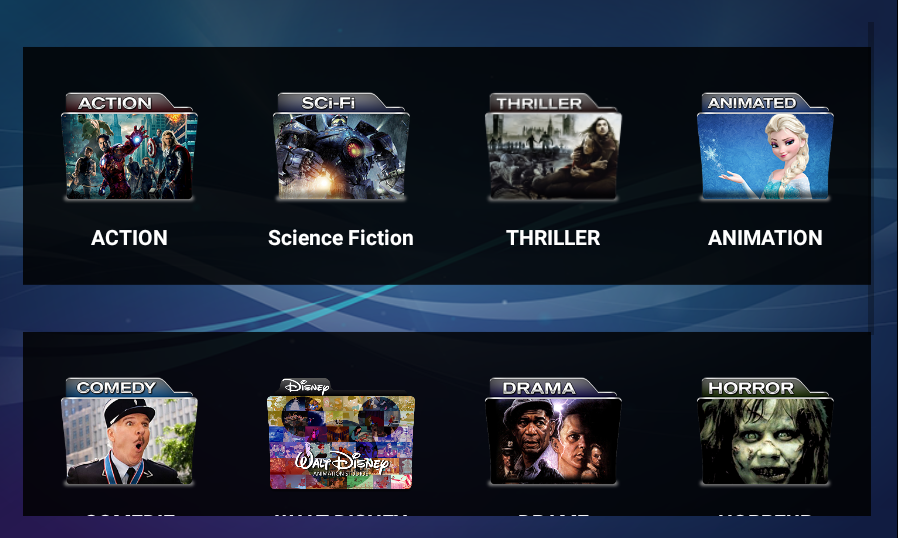
Users can arrange available channels into sections such as news, sports, entertainment, movies, and music. This structure makes finding specific content faster.
4. Built-In Media Players
It supports ExoPlayer and VLC Player for compatible streams. Users can choose the player that works best with their loaded IPTV content.
5. Fast Channel Switching
The app focuses on quick movement between available channels. This feature can make live viewing more convenient, especially when users frequently change streams.
6. Multiple Device Support
It can work on compatible Android phones, tablets, Android TVs, and TV boxes. The interface adjusts to different screen sizes for easier viewing.
7. EPG Support
The app supports Electronic Program Guide data when the IPTV source provides it. Users can then check current programs and upcoming schedules more easily.
8. Subtitle and Audio Support
Compatible streams can provide subtitle tracks and multiple audio options. Users can select available choices directly during playback.
9. Parental Controls
The app includes parental control options for supported content. Users can restrict selected channels to manage access more conveniently.
10. Catch-Up Support
Some IPTV providers offer catch-up content through their playlists. When supported, users can access selected previously aired programs from the available schedule.
Why Use IRON TV MAX APK?
Flexible IPTV Playback
IRON TV MAX APK Old Version gives users flexibility by supporting different playlist formats and media players. You can load compatible M3U or M3U8 sources and manage them from one place.
Easy Channel Management
The organized interface helps users browse available channels without unnecessary steps. Moreover, EPG support can make it easier to understand the available program schedule.
Useful Playback Features
Subtitle support, audio options, parental controls, and catch-up functionality add convenience when the loaded IPTV source supports them.
Suitable for Different Devices
The app can provide a consistent viewing experience across compatible Android smartphones, tablets, TVs, and TV boxes. However, performance depends on the device and stream source.
Community and Updates
IRON TV MAX may receive updates that improve compatibility, stability, and overall performance. Since IPTV sources can change over time, users should check for newer app versions when available.
User feedback can also highlight playback or compatibility issues. Therefore, community discussions may help users understand setup options and supported features.
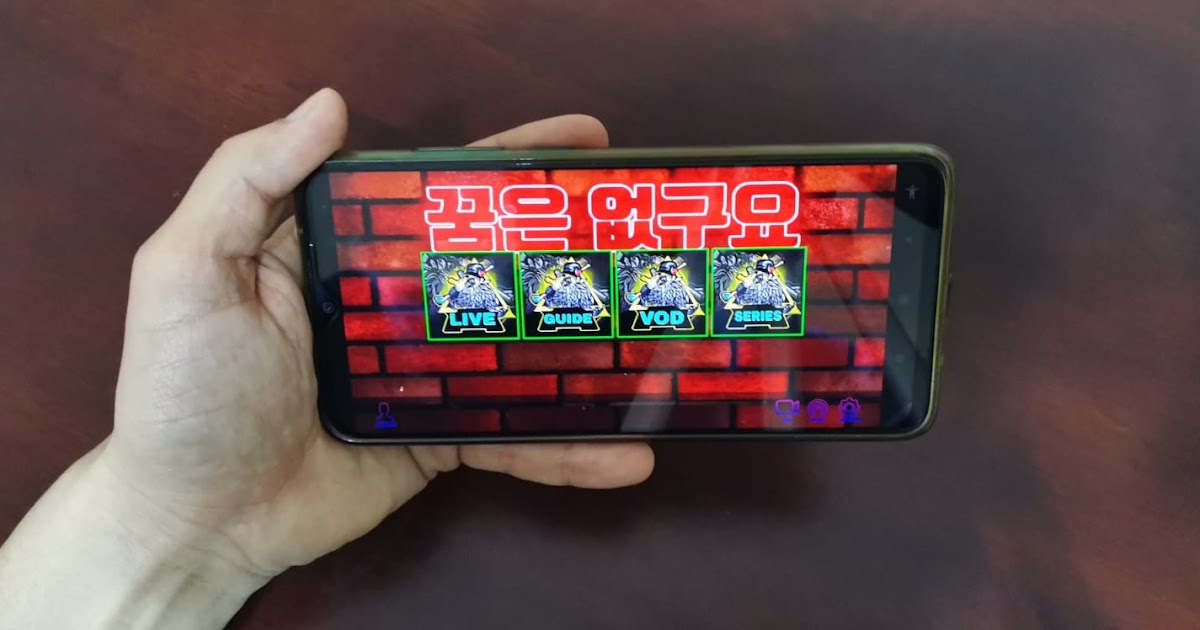
Screenshots:

How to Download and Install IRON TV MAX APK on Android?
Installing the APK on your Android device is quick and straightforward. Follow these simple steps to start streaming live TV channels easily.
- Open your phone settings and enable Unknown Sources from the security section.
- Download the latest APK file on your Android device.
- Go to your file manager and locate the downloaded APK file.
- Tap the file to begin the installation process.
- Wait for the installation to finish, then open the app and start exploring live TV content.
Pros and Cons of IRON TV MAX APK Download 2026:
Pros:
- Supports M3U and M3U8 playlists
- Includes VLC and ExoPlayer support
- Simple and easy-to-use interface
- Offers EPG and catch-up support
- Supports subtitles and multiple audio options
- Includes parental control features
- Works on compatible Android phones, tablets, and TV devices
- Provides fast channel switching
Cons:
- Does not include built-in TV channels or media
- Requires a compatible IPTV playlist
- Streaming quality depends on the source and internet connection
- Some features may vary between devices
- EPG and catch-up work only when the source supports them
- Compatibility can change with different app versions
FAQs:
Is IRON TV MAX APK 2026 free to use?
Yes, it does not require a mandatory subscription for basic use. However, access to IPTV content depends on the playlist source you add.
How can I add channels to IRON TV MAX APK?
You can import a compatible M3U or M3U8 playlist file or link. After loading the playlist, the app organizes the available channels for easier browsing.
Can IRON TV MAX run on low-end Android devices?
The app has a lightweight design and may work on many low-end and mid-range devices. Still, performance can vary based on hardware, Android version, and stream quality.
Does it provide channels by itself?
No. It does not include built-in channels or media content. Users need to add their own compatible IPTV playlist from a provider or personal source.
Why does it support VLC and ExoPlayer?
The app offers two playback engines to improve compatibility with different streams. If one player has playback or audio issues, users can try the other supported option.
Can I view TV schedules in IRON TV MAX APK?
Yes, the app can display schedules when the loaded IPTV playlist provides compatible EPG data. Some sources may also support catch-up viewing for previously aired programs.
Does it support subtitles?
Yes, compatible streams can provide subtitle tracks. The available subtitle options depend on the IPTV source and its supported formats.
Can I use IRON TV MAX APK on Android TV?
Yes, the app can work on compatible Android TV devices and TV boxes. However, compatibility may vary depending on the device and app version.
Conclusion
IRON TV MAX APK v5.5 Download Latest Version is a simple and lightweight live TV streaming application for Android users who want quick access to multiple channels in one place. With its clean interface, organized categories, and smooth playback, the app is suitable for casual viewers who prefer an easy-to-use live TV experience. While it may not offer advanced customization features, it serves well as a basic live TV streaming solution for everyday entertainment.









